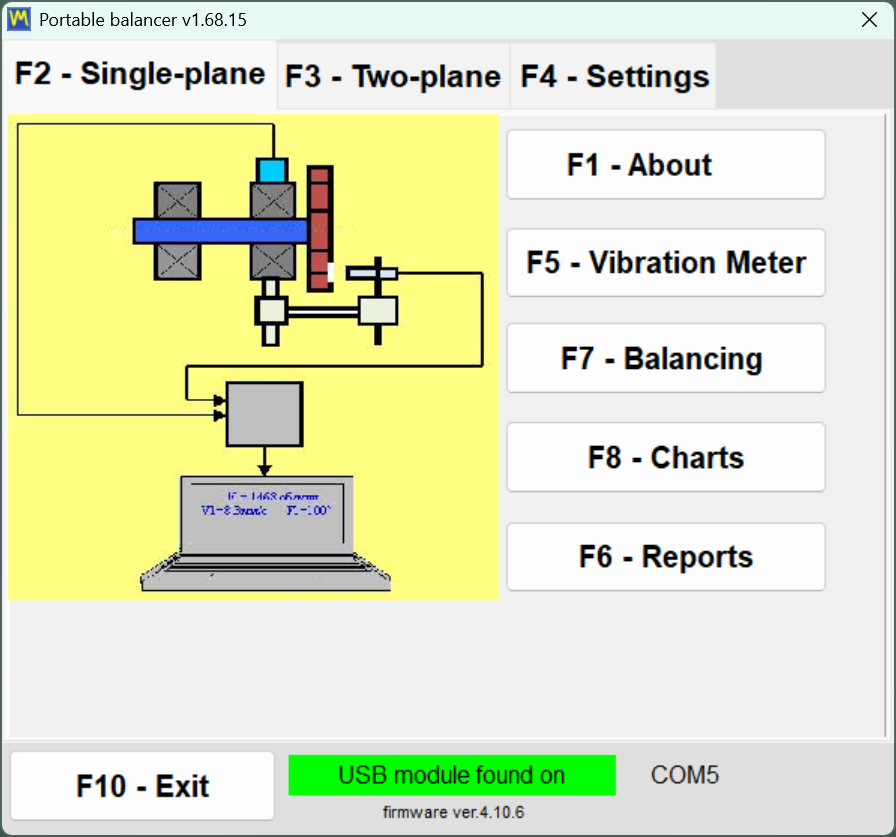
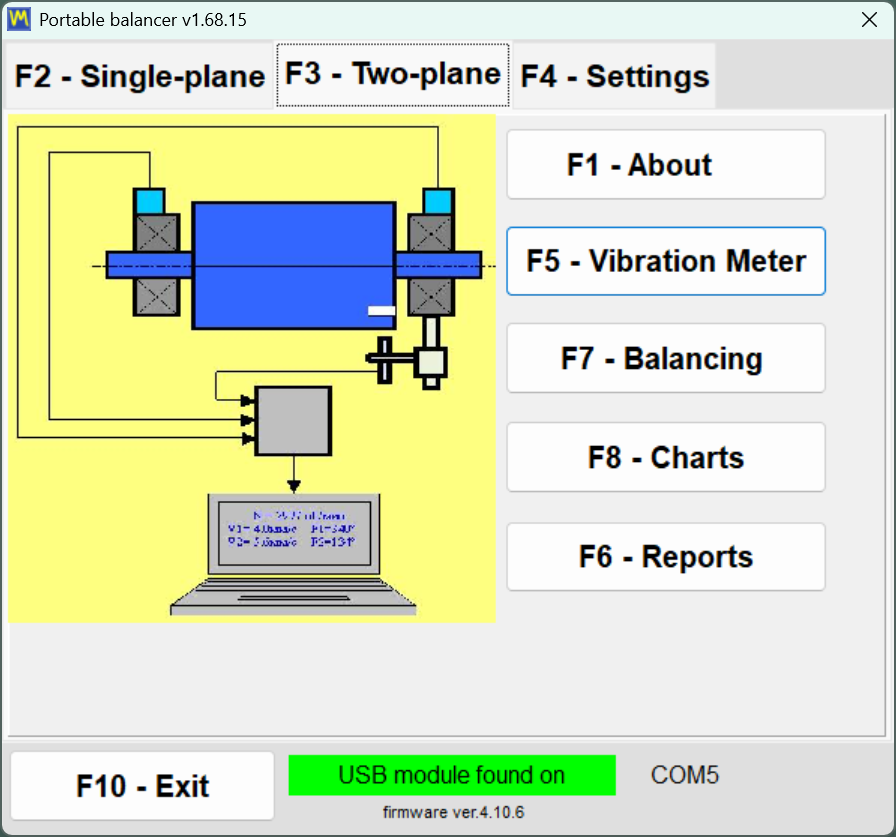
Main program window
The starting screen of Balanset-1A for selecting the operating mode.
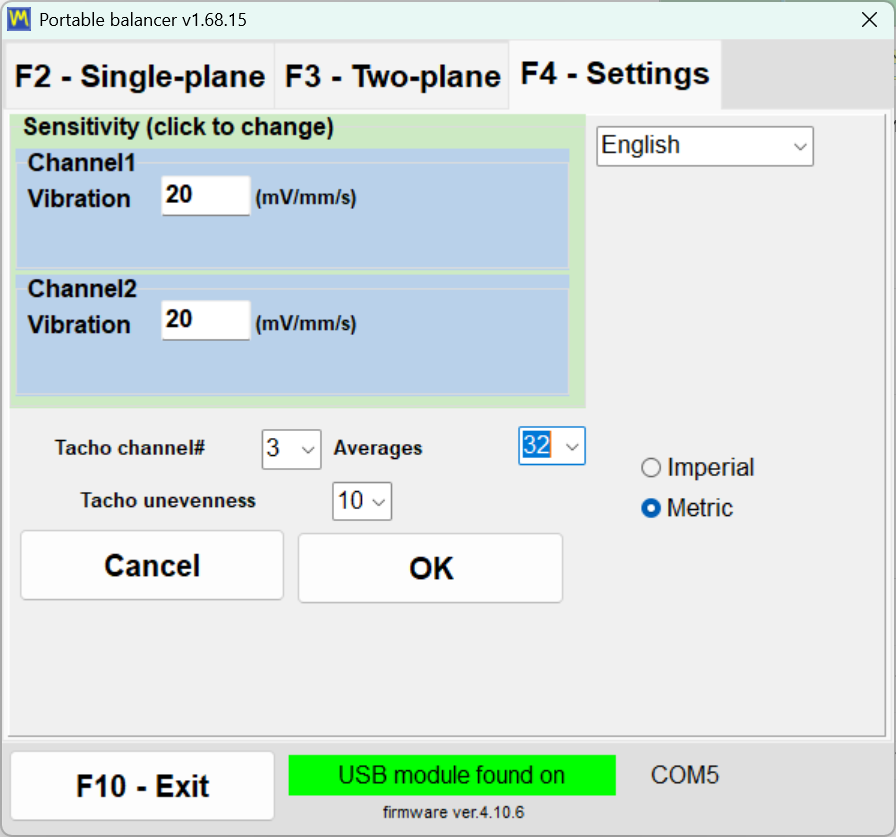
System settings window
Sensitivity parameters:
• Channel 1/2 Vibration — vibration sensor conversion factor (mV/mm/s)
• Should correspond to the accelerometers used
Basic settings:
• Language — interface language selection
• Tacho channel — tachometer channel number
• Averages — number of averages for stability
• Imperial/Metric — system of units
Important: Check settings before starting measurements, especially when changing sensors.
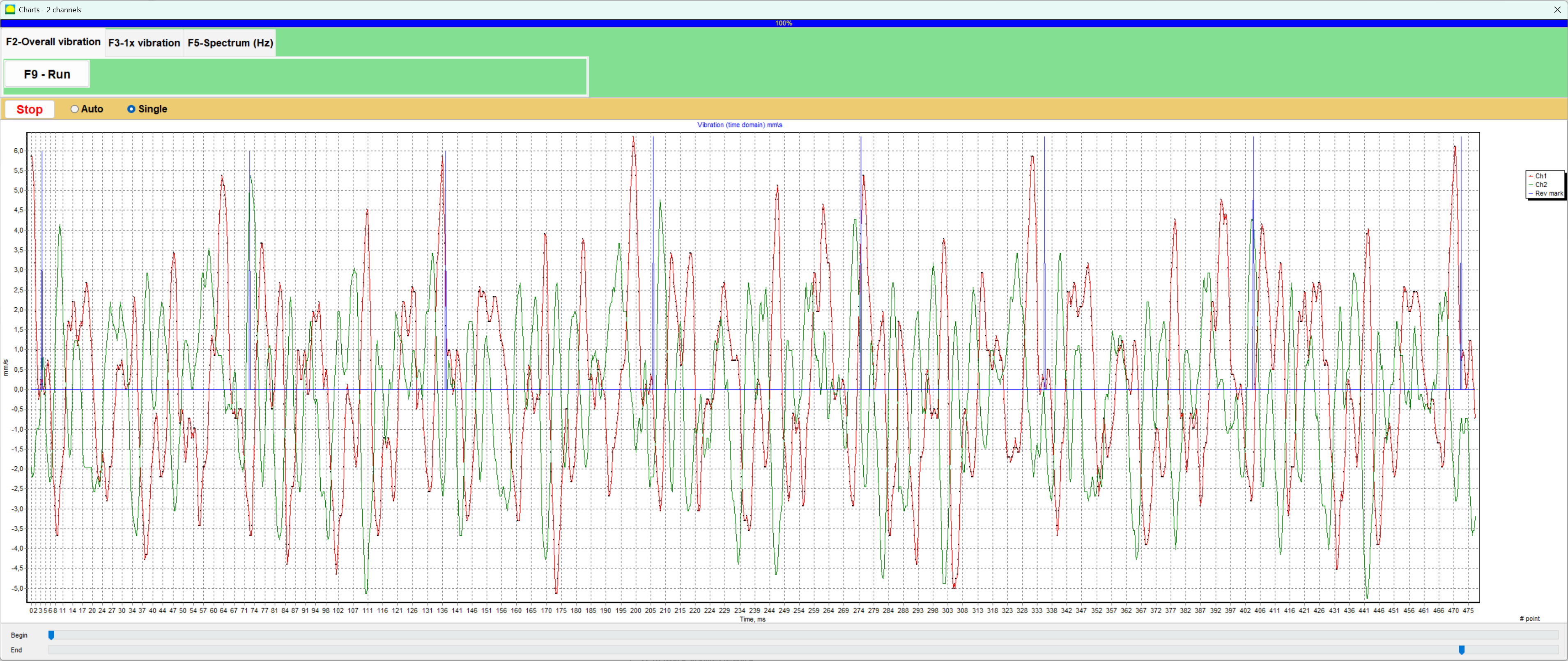
Overall vibration graph
A time-based graph of overall vibration for equipment condition analysis.
Step 1 of 12
Rotor Photo
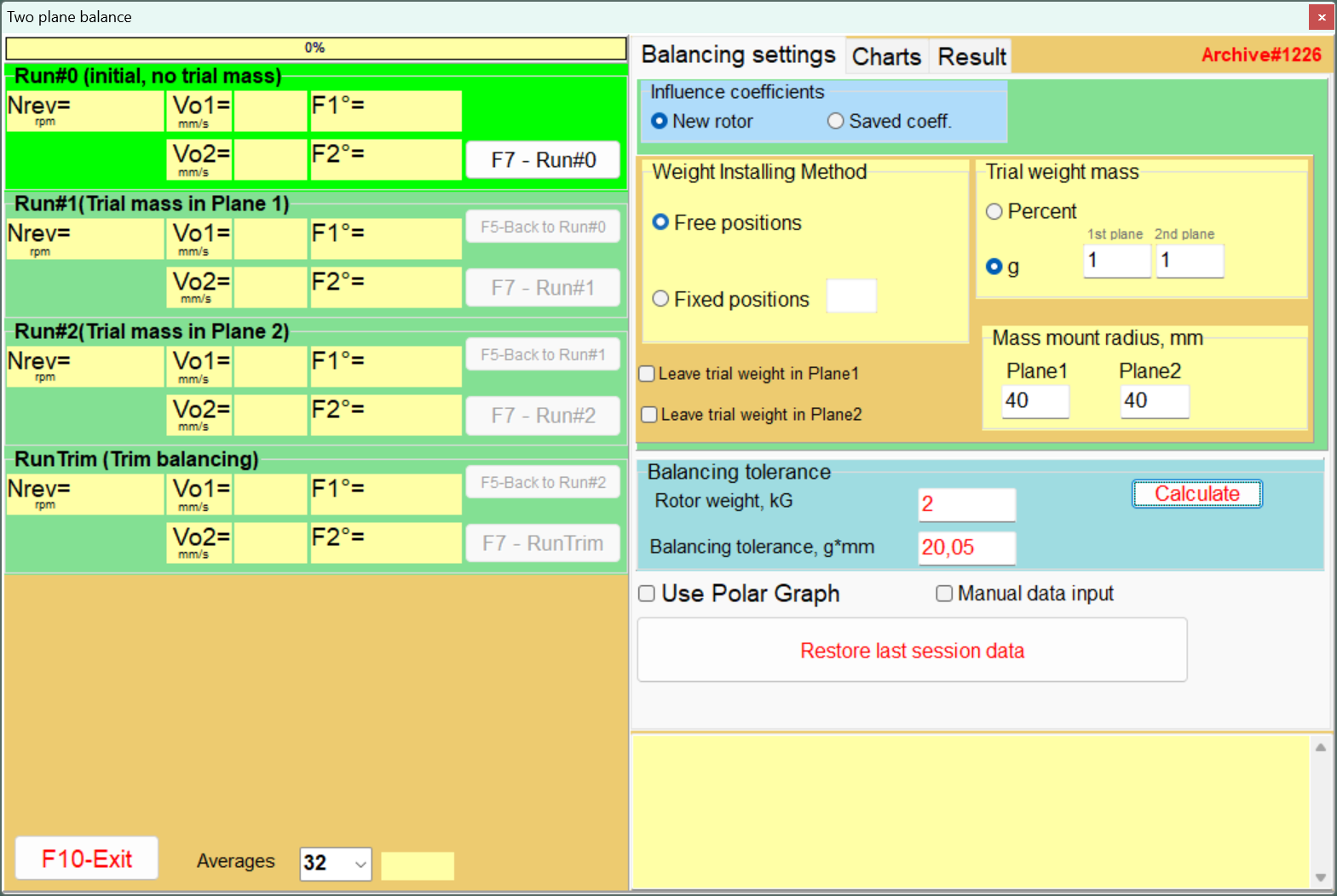
Two-plane balancing settings
Select the left stage for the balancing stage you want to view.
Balancing Procedure
The step-by-step balancing demo is available in Two-plane mode. Single-plane mode uses the Vibration Meter for basic measurements.
Main window - single-plane balancing
The main window of the program with the active single-plane balancing tab.