Balanset-1A
便攜式雙通道轉子動平衡校正儀與振動分析儀
- 2 通道
- 250–90,000 轉速範圍
- 5–1000 Hz 頻率
- ~1.5 kg 重量
何種情況適用增值稅 (VAT)?
- 0% 增值稅 (VAT) — 歐盟以外客戶(出口,歐盟境外所有國家)
- 23% 增值稅 — 葡萄牙客戶
- 0% 增值稅 (VAT) — 擁有有效歐盟增值稅編號的其他歐盟國家企業(逆轉稅收)
- 當地增值稅 (VAT) — 歐盟個人消費者(適用您所在國家的稅率)
不含筆記型電腦。 動平衡校正軟體需搭配具備一個可用 USB 埠的 Windows PC(7 / 8 / 10 / 11 — 32 位或 64 位)。請自備筆記型電腦或工作站。
軟體概覽 工程師支援- 現貨供應預計出貨時間:1–5 個工作日
- 兩年保固免費更換故障零件
- 30 天退貨政策商業退貨選項;適用條款
- DHL / UPS 追蹤配送費用將於結帳時依目的地計算
描述
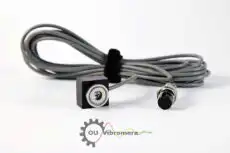
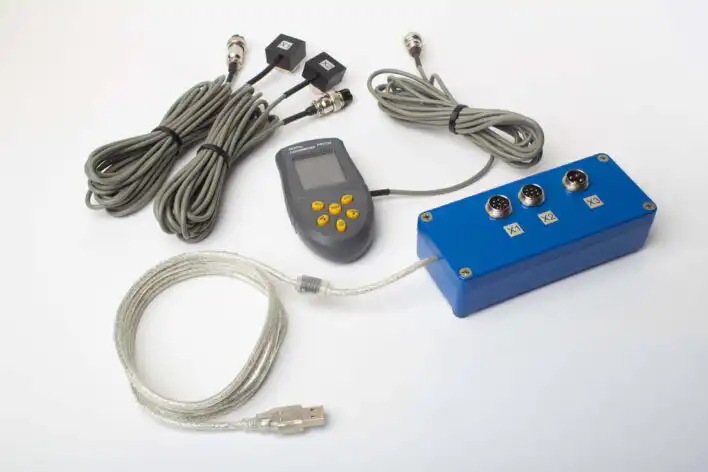
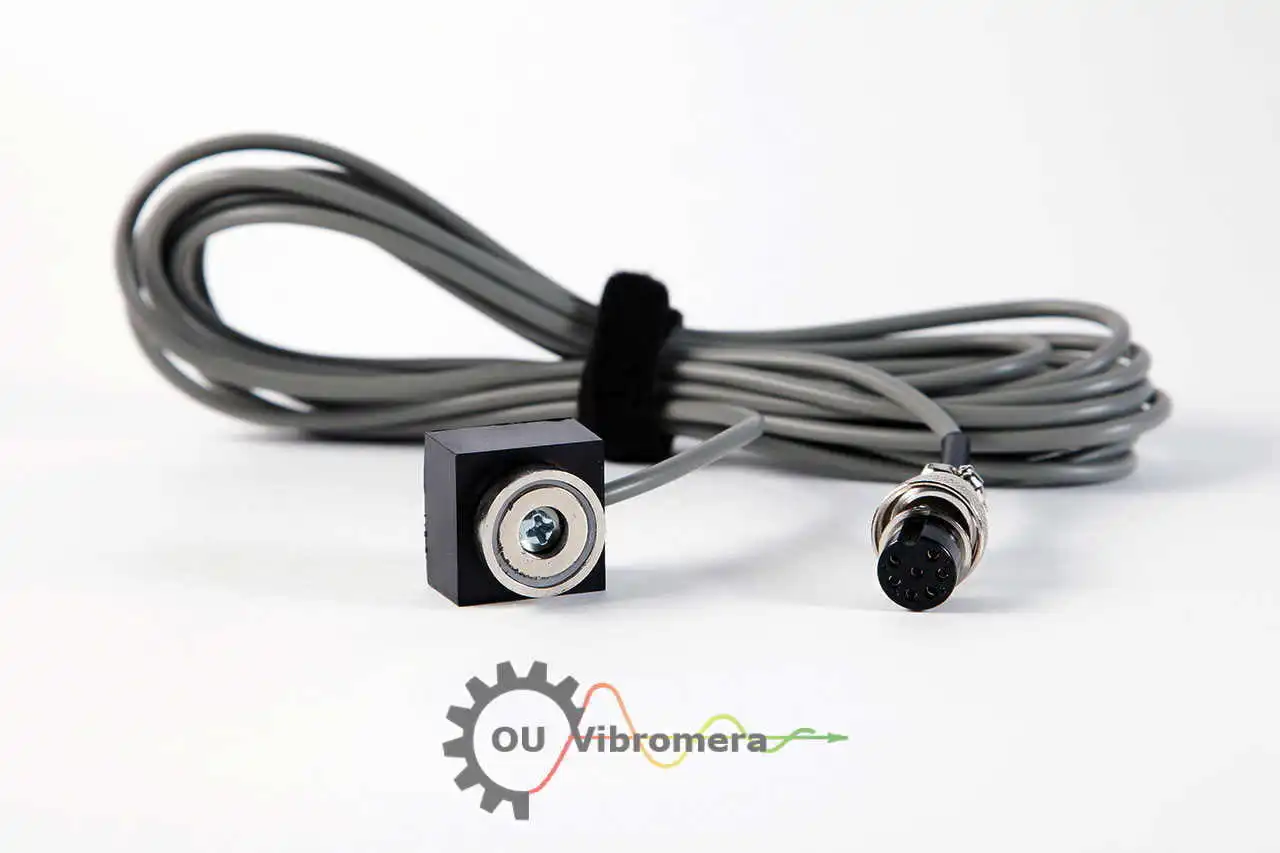
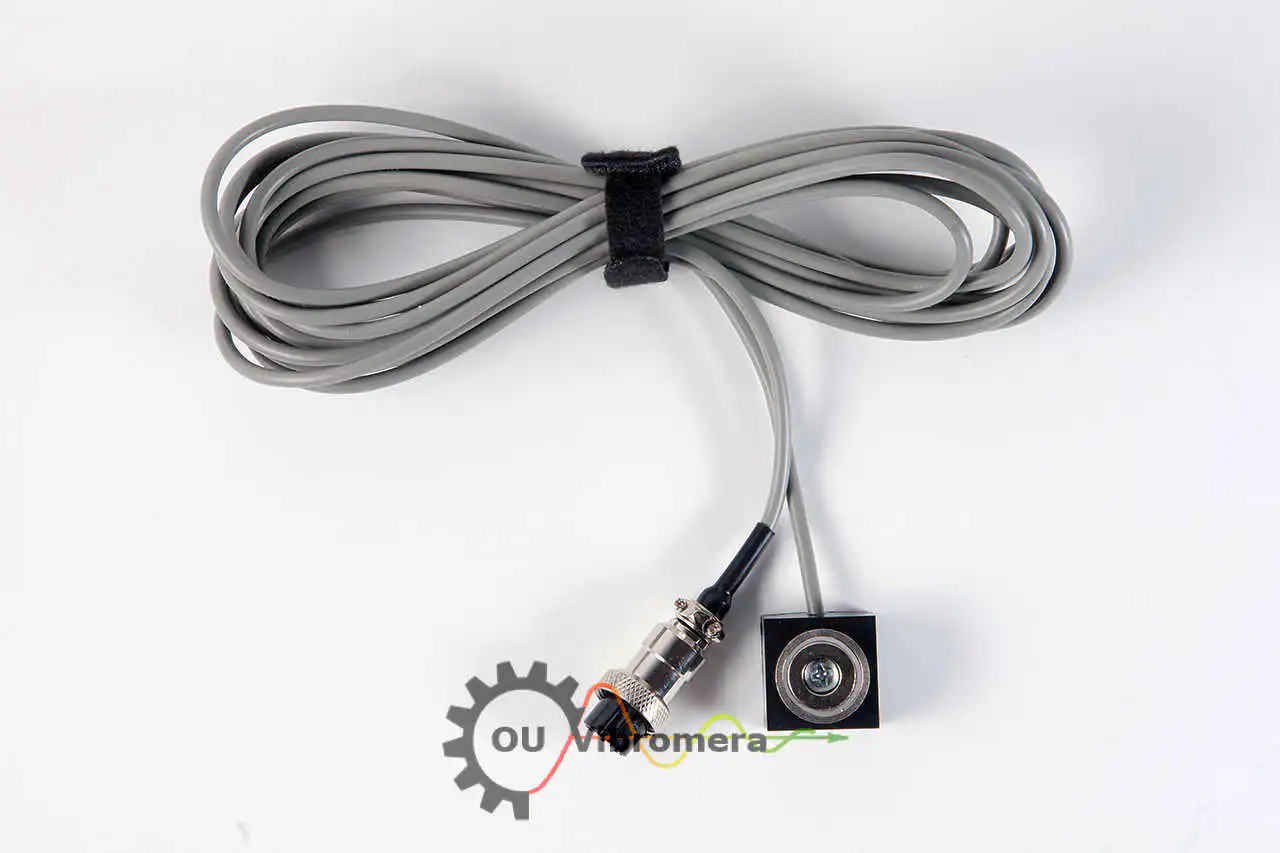
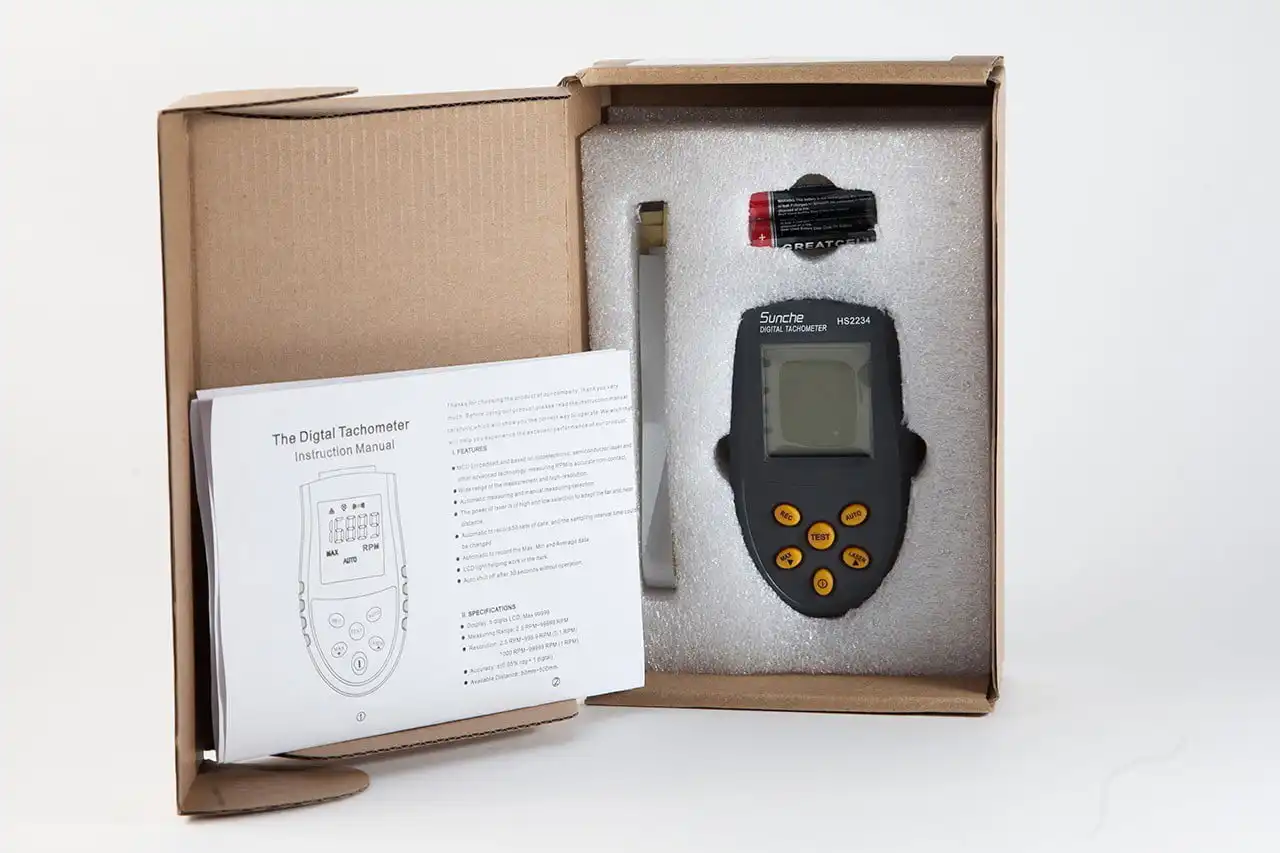
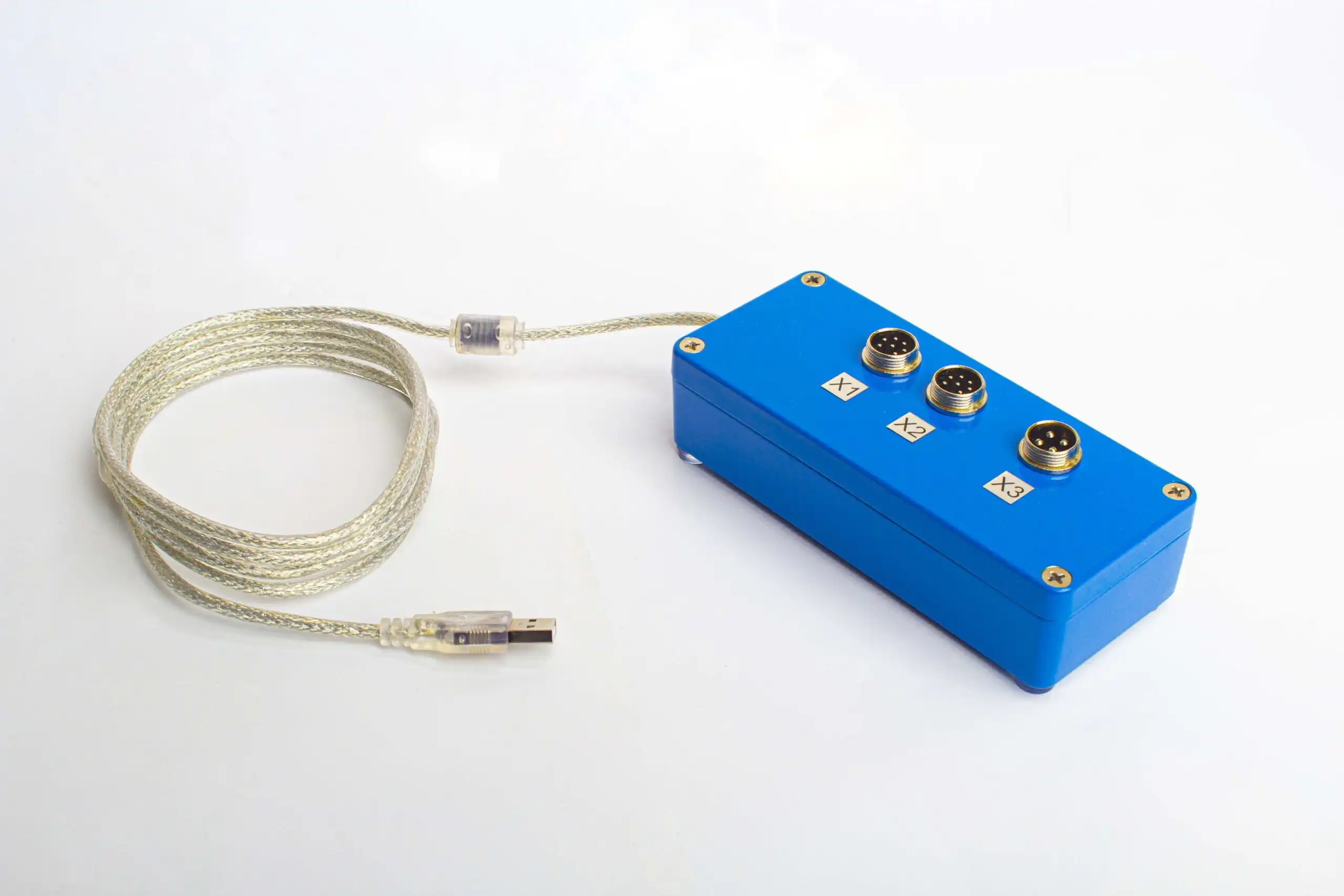
Balanset-1A OEM 是用於轉子單面與雙面平衡及振動分析的核心量測套件。包含USB介面主機、兩個振動感測器、光學雷射轉速表、反光膠帶及USB隨身碟中的Windows動平衡軟體。與全套組相比,不含磁性支架、電子秤與運輸箱。需要一台具備空閒USB連接埠的相容Windows電腦(不含電腦本身)。感測器與軟體會量測振動,並根據試重運行計算校正質量與角度。
軟體概覽
動平衡校正模式、振動圖表、逐步操作程序 — 訂購前請先探索介面。
技術規格
完整套件與 OEM 比較
兩種套件組合均包含相同的動平衡校正儀主機與軟體。差異在於包裝盒內的配件。
| 元件 | 完整套件 | OEM |
|---|---|---|
| Balanset-1A 介面單元 | ✓ | ✓ |
| 振動感測器(×2) | ✓ | ✓ |
| 光學雷射轉速計 | ✓ | ✓ |
| USB 隨身碟中的動平衡校正軟體(Windows) | ✓ | ✓ |
| 反光貼紙 | ✓ | ✓ |
| 磁性支架 | ✓ | — |
| 數位秤 | ✓ | — |
| 塑膠運輸箱 | ✓ | — |
不含筆記型電腦。軟體適用於 Windows 7 及以上版本。
現場動平衡運作原理
單平面或雙平面動平衡校正,現場進行,無需拆卸。典型作業流程:每個轉子 20–40 分鐘。
-
步驟 1設定
將振動感測器安裝於軸承座上,在軸上貼上反光貼紙,並將雷射轉速計與 USB 單元連接至您的筆記型電腦。
-
步驟 2初始運轉(Run #0)
啟動轉子並讓轉速穩定。軟體會記錄兩個平面的基線 1× 振幅與相位——這就是初始不平衡。
-
步驟 3試重運轉(Run #1 & Run #2)
在平面 1 附加已知試重,運轉轉子,記錄新的振動。停止後,將試重移至平面 2,再次運轉。根據這兩次響應,軟體會計算轉子對各平面增加質量的反應——即 影響係數.
-
步驟 4施加校正配重 & 驗證
移除試重。軟體會輸出每個平面的最終校正配重之精確質量與角位置。將其螺栓固定或焊接到位,再次運轉轉子,並確認殘餘振動在 ISO 21940-11 公差範圍內。如有需要,可添加少量微調配重。
為什麼一定要使用試重?
Without a trial weight the device only sees that there is vibration. It can't know:
- 需要多少校正質量,
- 它必須精確安裝在轉子的哪個位置,
- 轉子 & 支撐結構對各平面增加質量的響應方式。
The trial weight introduces a known change of imbalance. By comparing vibration before and after, the software calculates the influence coefficients — and from those, the exact mass and angle of the final balance weight. No guessing, no iterative trial-and-error.
製造商與安全資訊
製造商與安全資訊
製造商
VibromeraR. Nova da Madorninha 152
4460-376 Sra. da Hora, Porto
葡萄牙
info@vibromera.eu
增值稅(NIF):PT314539760
安全資訊與警告
- 第2類雷射產品。 相位感測器會發射可見雷射光束。請勿直視光束,也不要將其對準他人。
- 電氣安全。 在220 V設備上作業時,請遵守電氣安全規定。切勿在裝置仍連接220 V電源時進行維修。
- 機器鎖定。 安裝感測器前,務必執行上鎖掛牌(lockout/tagout)程序。
- 防護裝備。 配戴安全眼鏡與聽力防護具,並在旋轉機械附近避免穿著寬鬆衣物。
- 安全安裝。 確保所有感測器與線纜均已固定,不會被旋轉零件纏住。
- 僅限受過訓練的人員操作。 開始作業前,請先了解緊急停止裝置的位置與停機程序。
您可能也喜歡…
-
 設備
設備Balanset-4
Balanset-4 是一款四通道振動分析儀暨平衡校正系統,可進行一至四個平面的平衡校正。本系統專為卡丹軸及由四個軸承支撐的轉子設計,亦可作為平衡機的測量系統。 此套件包含四個振動感測器、一個光學雷射轉速計、USB 介面、軟體、磁性支架、量規及運輸箱。
-
 設備
設備便攜式平衡機 & 振動分析儀 Balanset-1A
Balanset-1A 是一款便攜式 USB 供電振動分析儀兼動平衡儀,用於在轉子自身軸承上進行單面與雙面平衡。全套組包含介面主機、兩個振動感測器、光學雷射轉速表、反光膠帶、USB隨身碟中的Windows動平衡軟體、磁性支架、電子秤與運輸箱。需要一台具備空閒USB連接埠的相容Windows電腦;電腦…
相關產品
-
 零件
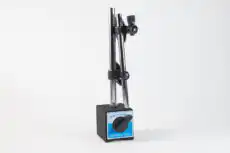
零件磁吸支架 Insize-60-kgf
可調式磁性支架,用於在 Balanset 平衡套件中定位雷射轉速感測器。其可切換的磁性底座在合適的鐵磁性表面上可提供高達 60 kgf 的吸附力。可調式支臂與關節有助於將感測器對準轉子上的反射標記。
-
 零件
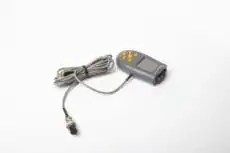
零件光學感測器(雷射轉速計)
用於 Balanset 平衡設備的光學雷射感測器,基於改進型 HS2234 轉速計。透過轉子上的反光標記非接觸式測量轉速。標準配備 5 公尺電纜;另提供 10 公尺電纜選項。.